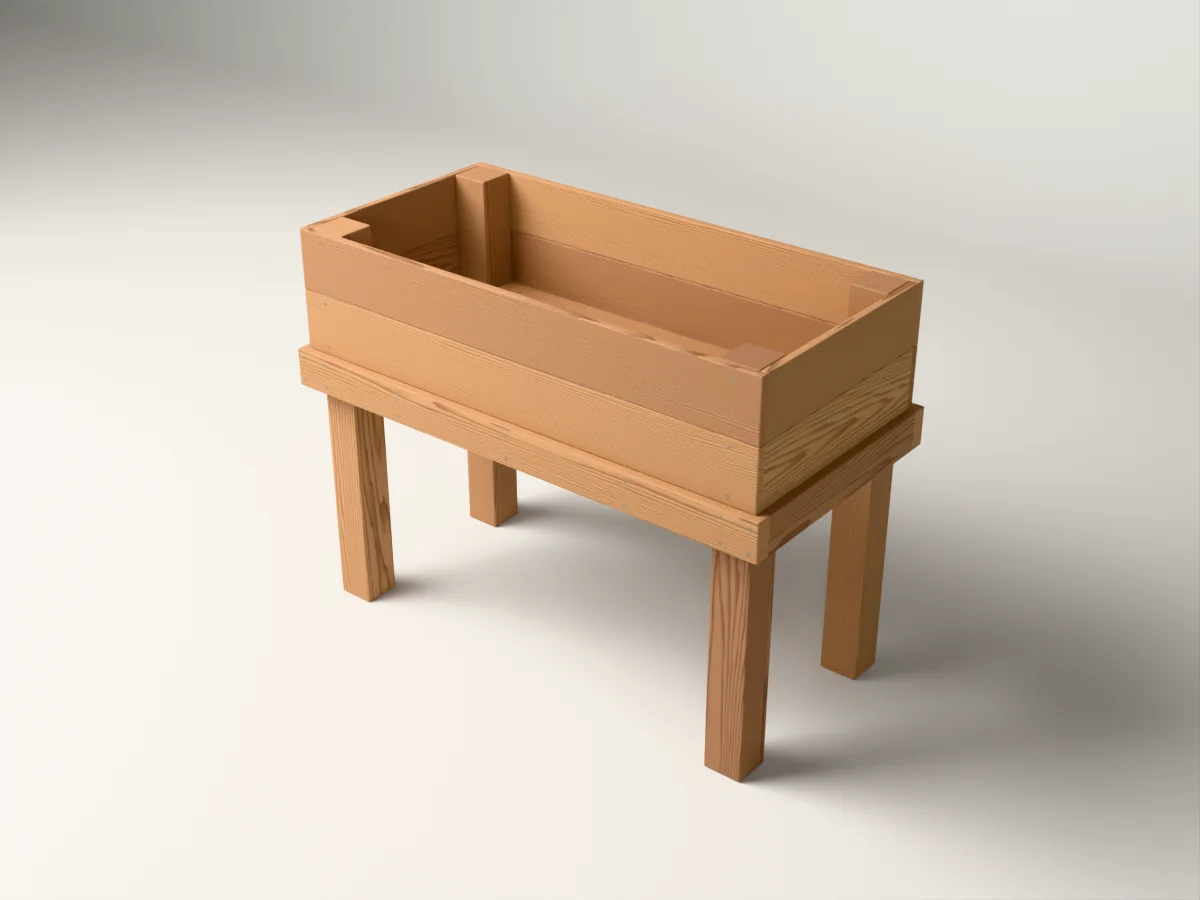
Before choosing a digital plan, take a moment to match the project to your space, your tools and the way you like to work. These five checks help you look past the cover image and understand what you’ll be taking on.
1. Measure the finished project, not just the open space.
Start with the finished width, depth and height. Then think about how you’ll use the project: walking around a garden bed, reaching into a planter, or moving a bench into position. Leave room for that use as well as the object itself.
If a plan has several sizes, confirm which one the pictures and materials list describe. A smaller version may have its own drawings and shopping list rather than being a simple change to one measurement.
2. Check the tools and techniques.
A tool list should help you see what the construction involves. Look for the cuts, drilling and assembly methods you’ll need, and compare them with what you already know how to do. Read any listed tool alternatives rather than assuming every tool is interchangeable.
Time estimates are a guide to planning, not a deadline. Allow for your setup, learning, finishing and the pace at which you work comfortably.
3. Look for both a shopping list and a cut list.
The shopping list describes the stock and hardware to buy. The cut list describes the parts you’ll make from that stock. They answer different questions, so one should not quietly stand in for the other.
Check that the plan specifies units, lumber sections and fasteners. If something seems unclear, ask before buying materials.
4. Open a readable preview.
A small stack of page thumbnails may look reassuring, but it doesn’t tell you much about the instructions. Look for a page you can actually read. Can you identify the parts? Is their orientation visible? Can you follow the action and see what the step is trying to accomplish?
When a listing mentions a 3D guide, check how you’ll access it and whether that access comes with the purchase. A demonstration video and an included guide are different things.
5. Know exactly what you’ll receive.
Read the included-file list and download instructions. Confirm which items are PDF or ZIP files, which are online links, and whether you’ll need a browser or another application. A digital build plan supplies the instructions; it does not supply lumber, tools or the finished item.
Finally, check the support route. A plan name and a specific question make it easier to get an answer that helps you choose.
General planning guidance. Follow your chosen plan and tools’ instructions; ask about unclear dimensions or substitutions before cutting.